
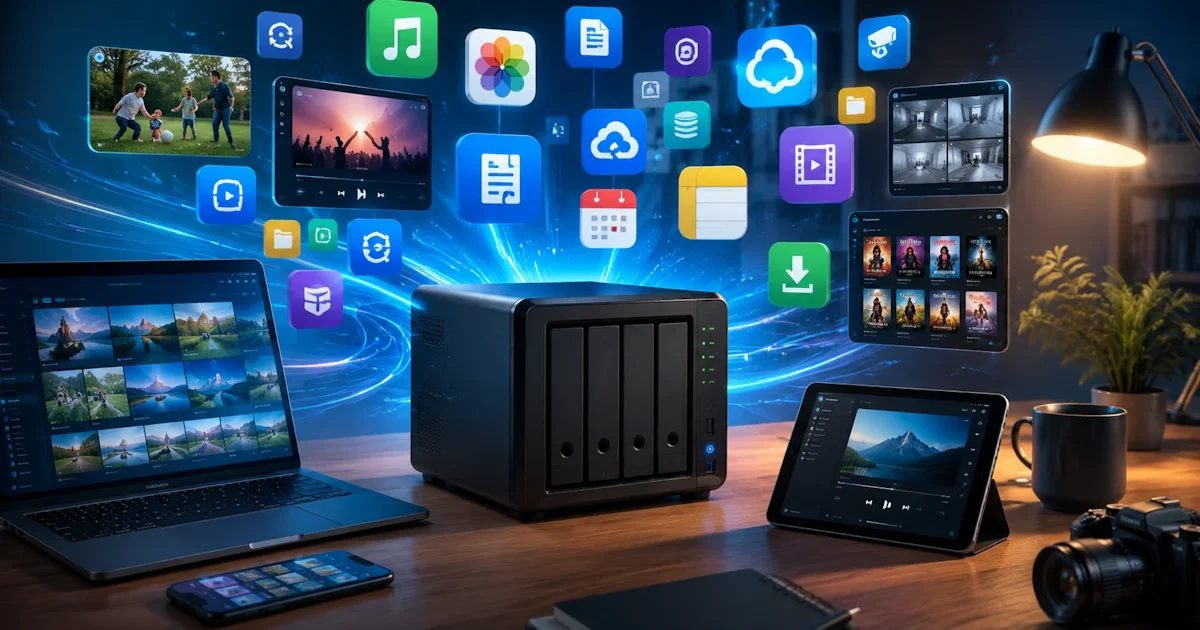
A NAS (Network Attached Storage) is a small storage server that you connect to your home network. Every device in the house can store and retrieve files on it. Think of it as your own cloud, but with your data in your own cupboard instead of on the servers of Google or Dropbox.
How does it work?
A NAS is essentially a small computer with room for one or more hard drives. You connect it to your router with a network cable and manage it through an app or your browser. After that it shows up on your laptop, phone and TV like any other storage location.
What are the benefits?
- No subscription: you pay once for the device and drives, instead of monthly for storage at iCloud, Google Drive or OneDrive.
- Control and privacy: your photos and documents stay at home.
- Access from anywhere: if you set it up, you can reach your files securely while away.
- Protection against a failed drive: with two or more drives you can store your data so that everything survives if one drive fails. This is called RAID. You replace the drive and lose nothing.
- Everything in one place: the whole family or team uses the same storage, instead of loose USB sticks and full laptops.
Note: RAID is not a backup. It only helps with a failed drive, not with accidental deletion, theft, fire or ransomware. Always keep a second copy on an external drive or at another location.
What can you do with it?
- Automatic backups of laptops, computers and phones, for example with Apple Time Machine.
- Your own photo library: photos from your phone are saved and sorted automatically, for example with Synology Photos.
- Stream films, series and music to your TV, tablet or laptop with a media server such as Plex or Jellyfin.
- Run apps and servers, such as download tools, a web server or security software for IP cameras.
What to know before you buy
- Cost: expect a few hundred euros for the device, plus drives. These often cost as much as the NAS itself.
- Power and noise: a NAS usually runs around the clock. Drives make some noise, so don’t put it next to your bed.
- Maintenance: you are responsible for updates, security and backups. It is manageable, but it needs some attention.
Want to know which one to buy? Read my article Which NAS should you buy?.
Questions and comments
Ask a question or leave a comment. It appears only after I have approved it.
No approved comments yet.