
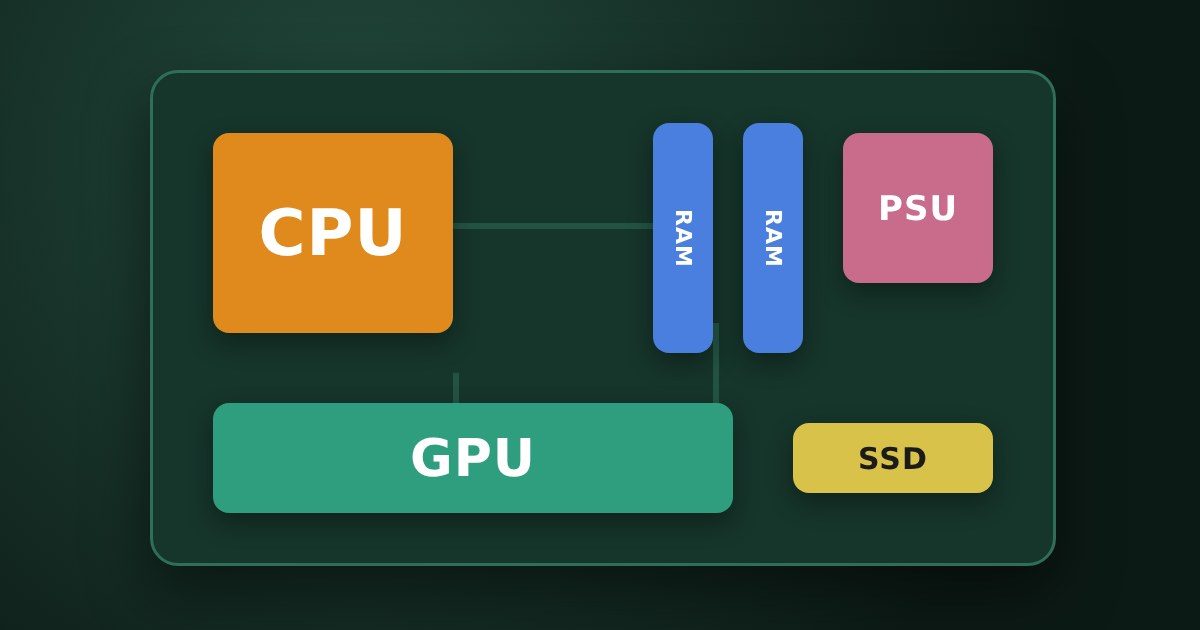
In 2010 I wrote on my old blog which parts you need to build your own PC (in Dutch). That article was read for years, but the advice back then (a Core i3 with 4 GB of memory and a DVD writer) is long outdated. Here is the 2026 version: for each part, what you need, what to look out for and what it costs now. At the bottom you will find three complete examples: a PC for home and office, a gaming PC and a powerhouse.
Note: 2026 is an expensive year to build a PC. Because of the huge demand for chips for AI, especially memory (RAM) and SSDs have become much more expensive in recent months. A 32 GB DDR5 memory kit easily costs around £500 in the UK in November 2026, almost half more than in March. Graphics cards also cost considerably more than their list price.
If you still have a PC with usable parts (a case, power supply or SSD), reuse them. And always compare with a ready-made PC or a mini PC: these are sometimes cheaper than the separate parts right now.
1. The processor (CPU)
The processor is still the heart of your PC: it processes almost all data. You can choose between two brands:
- AMD Ryzen: the current models (Ryzen 7000 and 9000) use the AM5 socket. The older Ryzen 5000 series on the AM4 socket is still for sale and interesting for a budget PC, because you can use cheaper DDR4 memory with it.
- Intel Core: the current Core Ultra 200 series uses the LGA 1851 socket. The older 12th to 14th generation Core i3, i5 and i7 (LGA 1700) are also still for sale.
Just like in 2010, clock speed (GHz) is not the most important thing. Look at the CPU's PassMark score instead. In my article How fast is your CPU? you will find the score of more than 300 CPUs, and with the search box of almost any CPU that exists. Which CPU you need is explained in Which CPU do you need for your PC or laptop?
Don't want to buy a separate graphics card? Then choose a CPU with built-in graphics that are strong enough for normal use, such as the AMD Ryzen 7 5700G or Ryzen 5 8600G. Intel models without an F in their name also have built-in graphics.
2. The CPU cooler
A processor uses 65 to more than 120 watts today and needs cooling. Some CPUs come with a cooler in the box (such as the Ryzen 7 5700G), which is fine for normal use. The faster models, such as the Ryzen 5 9600X and Ryzen 7 9800X3D, come without one. A good tower cooler such as the Arctic Freezer 36 costs about £19 and is quieter than the boxed cooler.
3. Memory (RAM)
Memory is your PC's fast temporary storage. Two types are in use:
- DDR5: the current standard. The new AMD (AM5) and Intel (LGA 1851) motherboards only work with DDR5.
- DDR4: the previous generation, for AM4 and some LGA 1700 boards. Per GB, DDR4 now costs about half as much as DDR5.
Get at least 16 GB (2 × 8 GB), and for gaming or heavier work preferably 32 GB (2 × 16 GB). Always buy a kit of two identical modules: they then work together in "dual channel" and your PC is faster. Because of the high prices you can also start with 16 GB and upgrade later, but then you need a motherboard with four memory slots.
4. The motherboard
All other parts connect to the motherboard. The sizes are the same as in 2010:
- ATX (305 × 244 mm): the standard size, with the most connections.
- Micro-ATX (244 × 244 mm): a bit smaller and often cheaper. More than enough for most PCs.
- Mini-ITX (170 × 170 mm): for very small PCs.
Important: the motherboard must match your CPU's socket (AM4, AM5, LGA 1700 or LGA 1851) and the type of memory (DDR4 or DDR5). Your case determines which motherboard size you can use. Good brands are ASRock, ASUS, Gigabyte and MSI. Wi-Fi and Bluetooth are often built into the motherboard nowadays; look out for that if you can't run a network cable.
5. The graphics card (GPU)
- Office, internet, photos and watching videos: the CPU's built-in graphics are enough. You save hundreds of euros.
- Gaming in Full HD or 1440p: a card such as the AMD Radeon RX 9060 XT 16GB or the Nvidia GeForce RTX 5060 Ti 16GB. Preferably choose a version with 16 GB of video memory, because new games need more and more memory.
- Gaming in 4K or heavy video work: an AMD Radeon RX 9070 XT or an Nvidia GeForce RTX 5070 Ti or higher.
Graphics cards cost considerably more than their list price in 2026. So be sure to compare prices of different brands and shops.
6. Sound and speakers
A separate sound card hasn't been needed for years: sound is built into every motherboard, and also goes to your screen via HDMI or DisplayPort. Only people who record or produce music benefit from an external USB audio interface. Buy speakers or a headset to suit your taste and budget; many monitors have built-in speakers.
7. Storage: SSD
In 2010 I wrote that an SSD makes your PC feel about five times faster. That still holds, and by now an SSD is standard. Choose an NVMe SSD in the M.2 format: a small stick you screw directly onto the motherboard, without cables. It is many times faster than the old SATA SSDs and hard drives.
Get at least 1 TB, because Windows, programs and certainly games take up a lot of space. You only need a hard drive if you want to store a lot of photos or videos, and then preferably as an extra drive or on a NAS.
8. DVD and Blu-ray drive
In 2010 a DVD writer was still essential, because Windows and programs came on discs. Those days are over. Today you install Windows from a USB stick, and you download programs. Most cases don't even have room for a DVD drive anymore. If you still need one for old discs, buy an external DVD writer with a USB connection.
9. The case and power supply
You still choose a case mainly on looks and space, but also look for good airflow: a front with holes (mesh) and at least two included fans. Cases are usually sold without a power supply.
Don't skimp on the power supply: a bad one can damage your whole PC. Choose a well-known brand (be quiet!, Corsair, Seasonic, MSI) with an 80 PLUS Gold or Cybenetics rating. As a guideline:
- PC without a separate graphics card: 450 to 550 watts is plenty.
- Gaming PC with a mid-range graphics card: 650 watts.
- Fast graphics card (RX 9070 XT, RTX 5070 Ti or higher): 850 watts.
10. Windows
You also need a Windows licence. Windows 11 Home costs about £120. Windows 11 requires a TPM 2.0 security chip, but it is built into every motherboard of recent years. Windows 10 has no longer been supported since October 2025, so I would not start with it anymore.
11. Monitor, keyboard and mouse
You need these too, of course, but I won't discuss them in detail here. My advice from back then still applies: don't let a salesperson talk you into something, set your maximum budget beforehand and preferably try the screen or keyboard in the shop first.
Three examples with today's prices
Below are three complete PCs, with the lowest UK price per part on idealo.co.uk on November 13, 2026. Click a part for current prices; under “Prices in other countries” you can compare with the Netherlands (Tweakers), Spain, Germany and France. Add about £120 for Windows 11 Home.
PC for home and office
For internet, email, office work, photos and watching videos. The Ryzen 7 5700G has built-in graphics and a cooler in the box, and with over 24,000 points it scores three times my upgrade threshold of 8,000. Because it works with DDR4, you save a lot on memory.
| Part | My pick | Price |
|---|---|---|
| Processor | 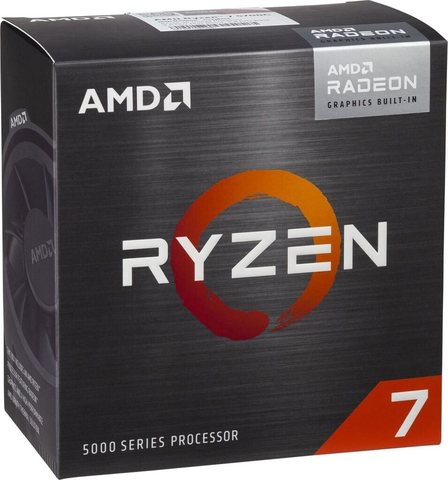 AMD Ryzen 7 5700G (cooler included) | £179.99UK Prices in other countries |
| Cooler | included with the processor | |
| Motherboard | 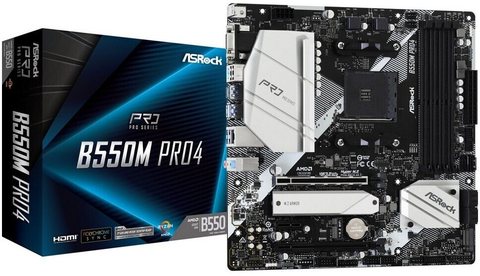 ASRock B550M Pro4 | £89.99UK Prices in other countries |
| Memory | 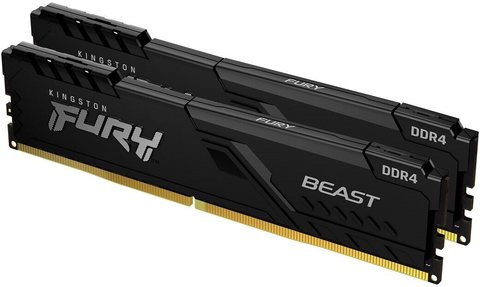 Kingston Fury Beast 16 GB DDR4-3200 (2 × 8 GB) | £168.17UK Prices in other countries |
| Graphics card | not needed: built into the processor | |
| SSD | 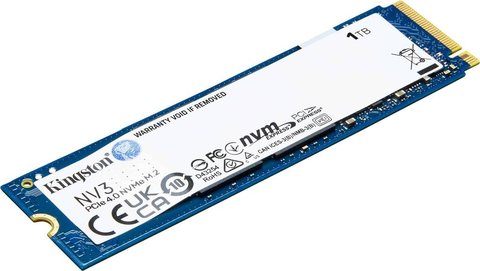 Kingston NV3 1 TB (NVMe SSD) | £124.99UK Prices in other countries |
| Power supply | 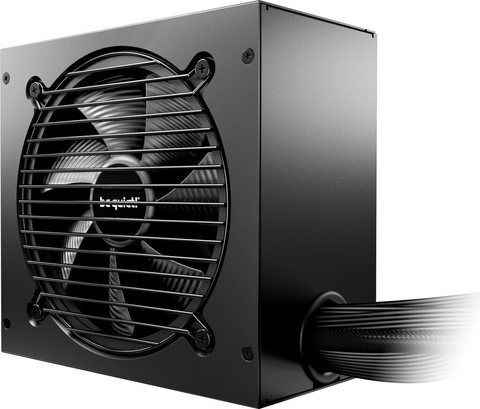 be quiet! Pure Power 12 650W | £68.99UK Prices in other countries |
| Case | 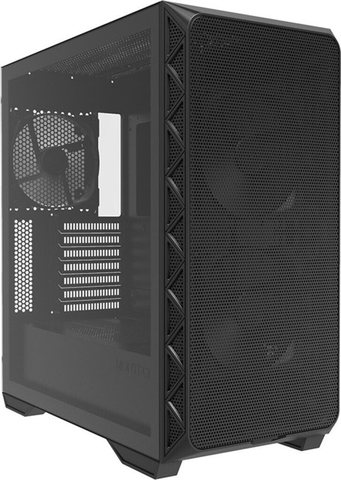 Montech Air 903 Base | £57.72UK Prices in other countries |
| Total in the UK (without Windows) | £689.85 | |
Click a photo for that part’s official site.
Gaming PC
For most games in Full HD and 1440p. Because of the high memory prices I chose 16 GB here. For 32 GB you currently pay about £150 more in the UK.
| Part | My pick | Price |
|---|---|---|
| Processor | 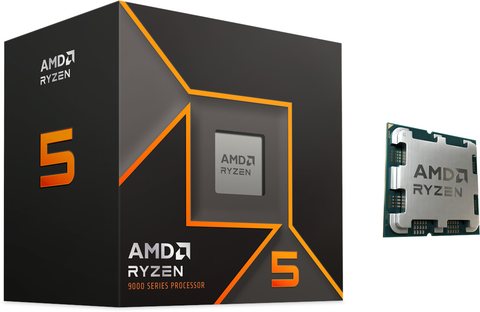 AMD Ryzen 5 9600X | £147.97UK Prices in other countries |
| Cooler | 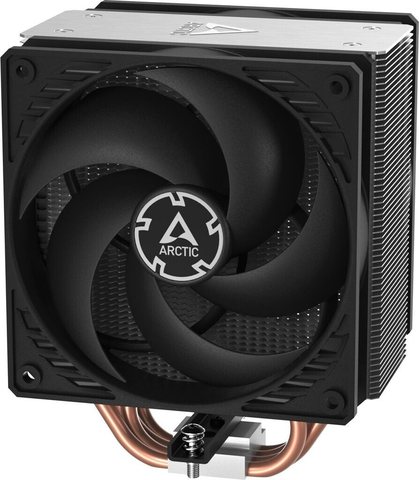 Arctic Freezer 36 | £18.99UK Prices in other countries |
| Motherboard | 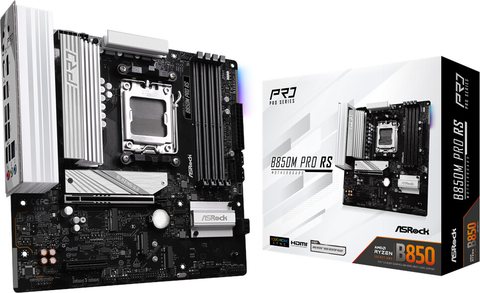 ASRock B850M Pro RS | £112.99UK Prices in other countries |
| Memory | 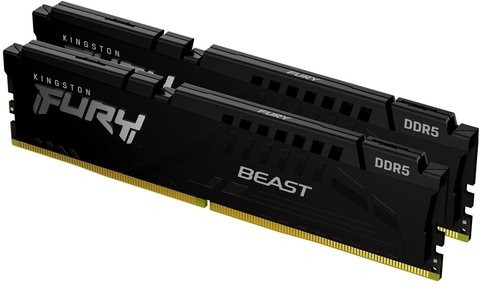 Kingston Fury Beast 16 GB DDR5-6000 (2 × 8 GB) | £348.50UK Prices in other countries |
| Graphics card | 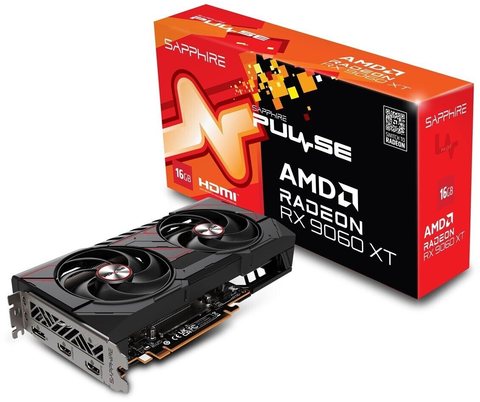 Sapphire Pulse Radeon RX 9060 XT 16GB | £499.99UK Prices in other countries |
| SSD | Kingston NV3 1 TB (NVMe SSD) | £124.99UK Prices in other countries |
| Power supply | be quiet! Pure Power 12 650W | £68.99UK Prices in other countries |
| Case | 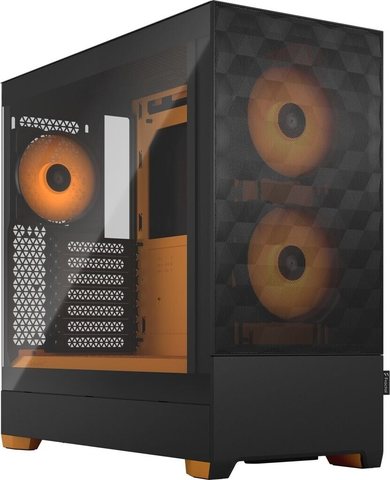 Fractal Design Pop Air | £65.45UK Prices in other countries |
| Total in the UK (without Windows) | £1,387.87 | |
Click a photo for that part’s official site.
Powerhouse
For gaming in 4K, video editing and other heavy work. The Ryzen 7 9800X3D is currently one of the fastest CPUs for games.
| Part | My pick | Price |
|---|---|---|
| Processor | 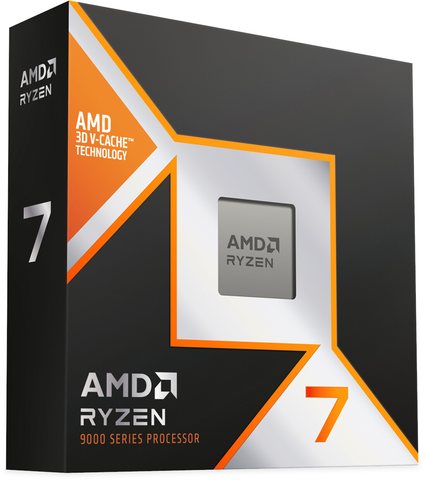 AMD Ryzen 7 9800X3D | £330.77UK Prices in other countries |
| Cooler | 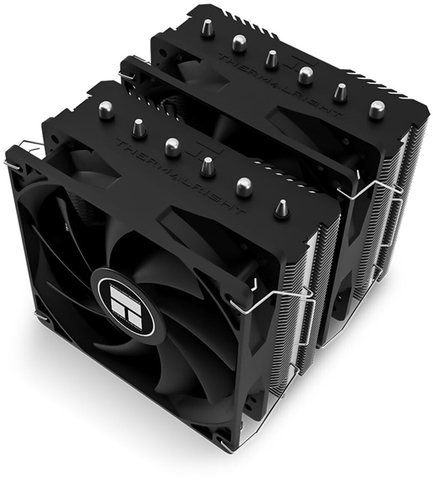 Thermalright Peerless Assassin 120 SE | £29.99UK Prices in other countries |
| Motherboard |  MSI B850 Gaming Plus WiFi6E | £124.95UK Prices in other countries |
| Memory | 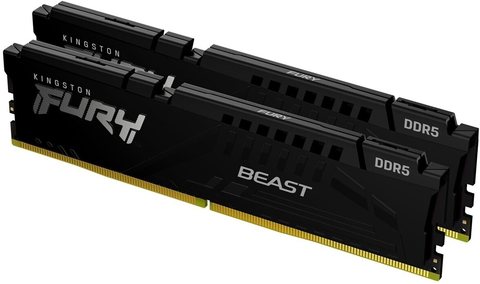 Kingston Fury Beast 32 GB DDR5-6000 (2 × 16 GB) | £494.99UK Prices in other countries |
| Graphics card | 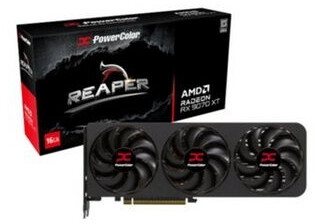 PowerColor Reaper Radeon RX 9070 XT 16GB | £879.99UK Prices in other countries |
| SSD | 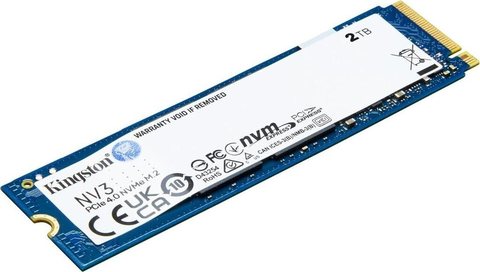 Kingston NV3 2 TB (NVMe SSD) | £229.99UK Prices in other countries |
| Power supply | 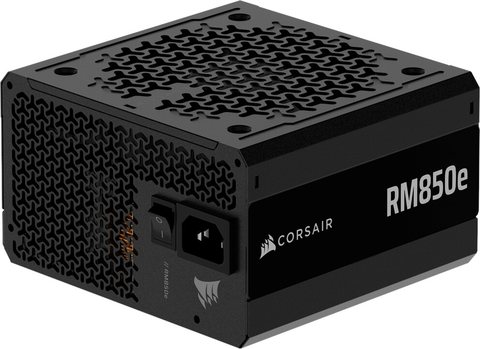 Corsair RM850e | £115.20UK Prices in other countries |
| Case | 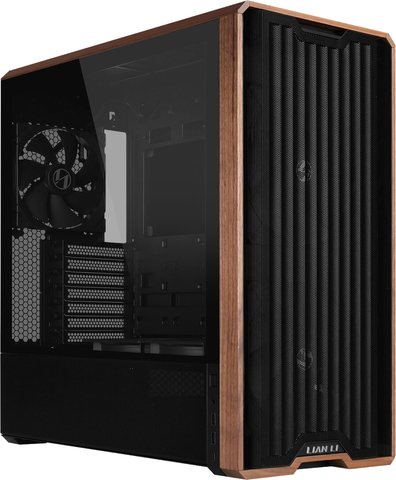 Lian Li Lancool 217 | £102.98UK Prices in other countries |
| Total in the UK (without Windows) | £2,308.86 | |
Click a photo for that part’s official site.
My tips
- Check that everything fits together before you order: socket, memory type, motherboard size and the length of the graphics card in the case. Websites like PCPartPicker check this automatically.
- Don't skimp on the SSD and power supply. A fast SSD makes more difference in daily use than a more expensive CPU.
- Reuse what is still good, such as a case, a power supply from a well-known brand or an SSD.
- Compare with a ready-made PC. Especially now that memory and SSDs are so expensive, a complete PC or mini PC can turn out cheaper.
Sources
- idealo.co.uk (UK prices from November 13, 2026), Tweakers Pricewatch (Dutch prices from November 12, 2026) and idealo.es/.de/.fr
- RAM-geheugen.be: RAM prices in Belgium, November 2026 (Dutch)
- Tom's Hardware: Best Graphics Cards for Gaming in 2026
- PassMark CPU Benchmarks
- My original 2010 article (Dutch)
Questions and comments
Ask a question or leave a comment. It appears only after I have approved it.
No approved comments yet.